About
Hi there, thanks for helping me improve as a cellist!
I'm Tim, cellist in the Astrodon string quartet.
I built this display because I am motivated knowing that other musicians like you can see how much I'm practicing.
Whenever you feel so inclined, glance at the screen to see how much I've been practicing. Maybe silently judge me if the number seems low. I'll try not to disappoint :)
What you're seeing
The display shows how much time I spend on individual practice each day. Rehearsals, lessons, and performances are excluded.
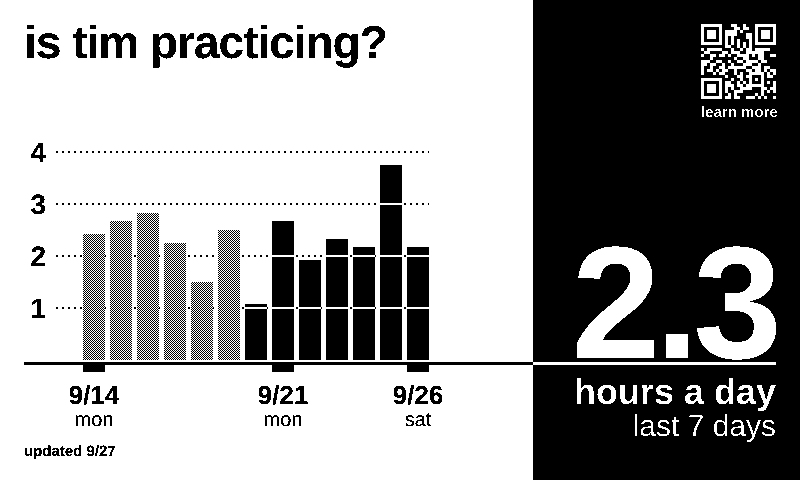 1234
- The big number shows my daily average practice time over the past 7 days, not including today.
- The black bars are those 7 days: how many hours I practiced on each one.
- The grey bars are from the week prior. They aren't part of the average.
- The date of the last update.
The display is updated each day at 5am with the previous day's totals. Today's practice time won't show up until tomorrow. A skipped day simply counts as 0 hours, and is still included in the daily average calculation.
How the time gets logged
I track my practice time across three categories: technique, quartet rep, and solo rep (though right now only the daily total is displayed). These times are sent to my server and the chart regenerates automatically the next day.
There are two ways I can enter the data: manually via an app, or automatically when I use my practice timer.
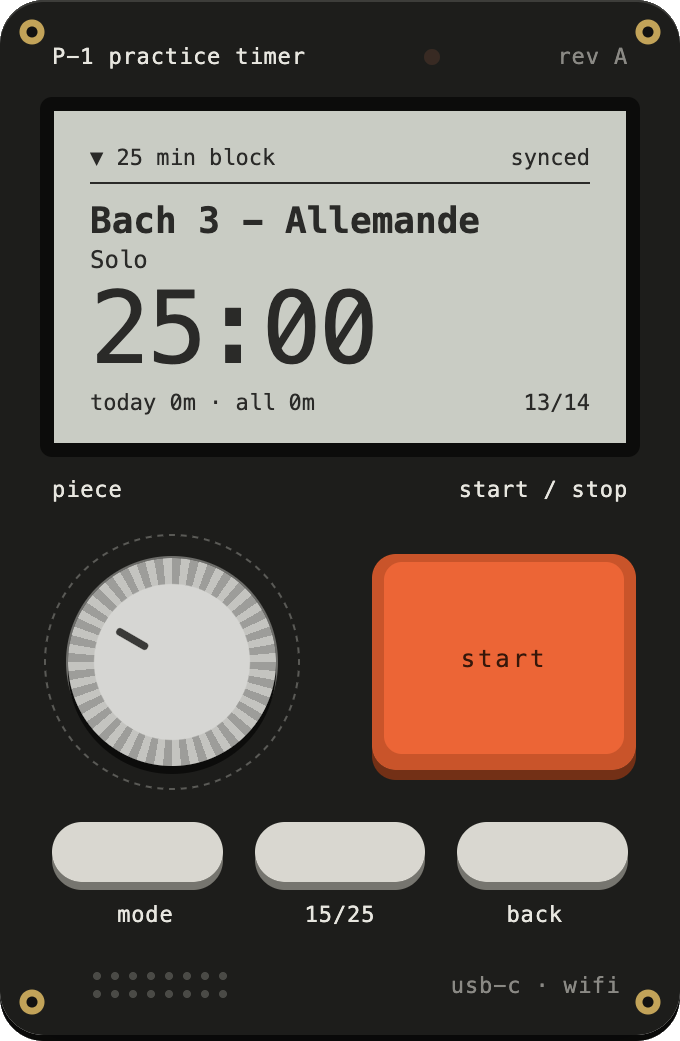
The practice timer is a separate but related project that lets me keep track of the time I spend on each piece, movement, or exercise, and automatically uploads the times it records. The practice timer is currently an app, and I'm working on a physical timer that does everything without needing a phone. I focus better when I practice with a timer, and the automatic time tracking is a bonus.
Why it looks like this
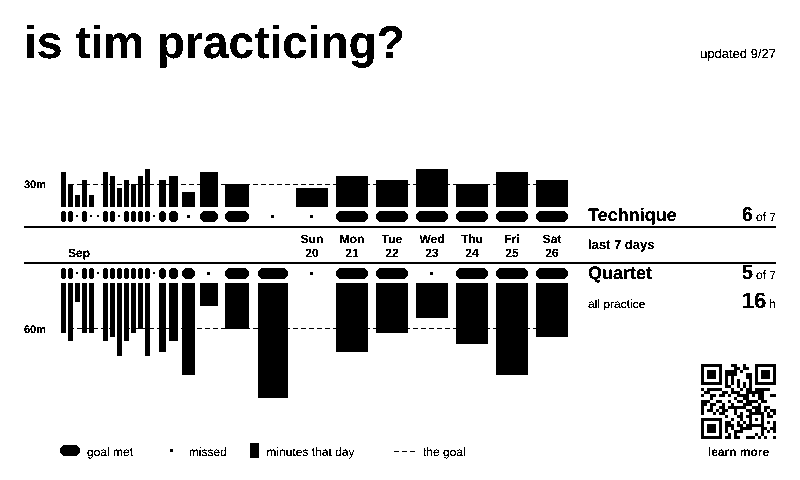
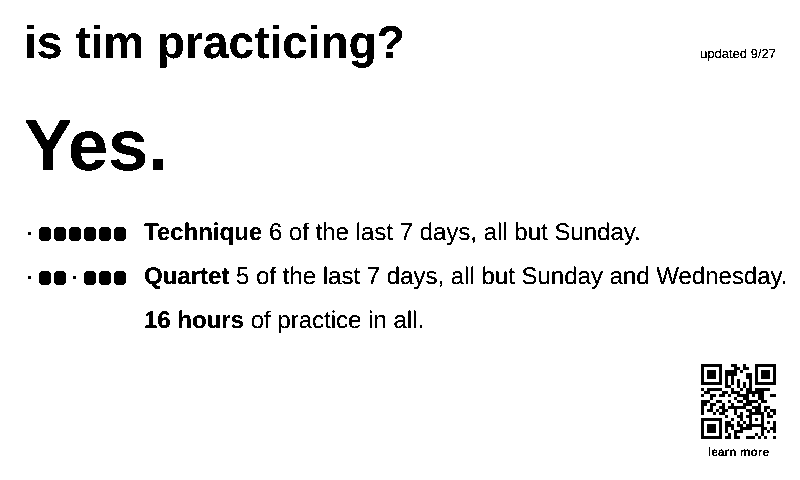
I spent many hours (and nearly one hundred prototypes) deciding on what to show on the screen. The display needs to make sense to people giving it a passing glance from 10 feet away, since no one is going to care enough to give it a close inspection every day. This, plus the low resolution (800 x 480 pixels) on a postcard-sized screen, means the final layout has to be fairly simple. It omits details like the practice categories or showing a longer history in favor of the single number that best represents my work over the past week, plus the graph with a little more detail.
A few that didn't make it:
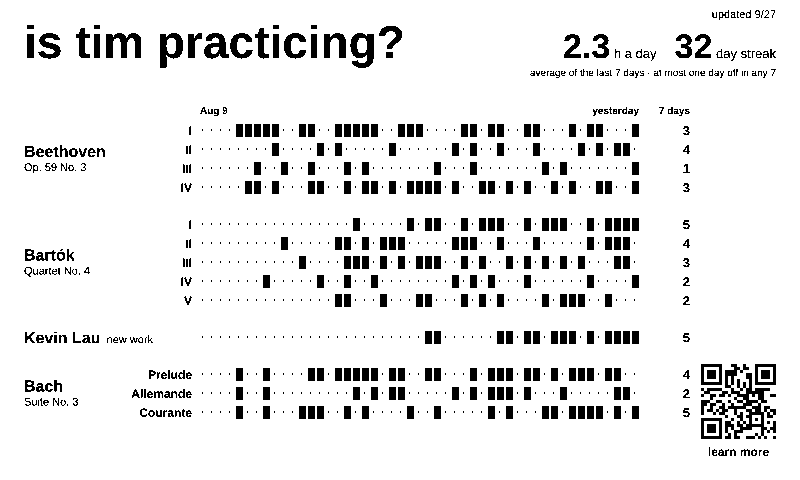
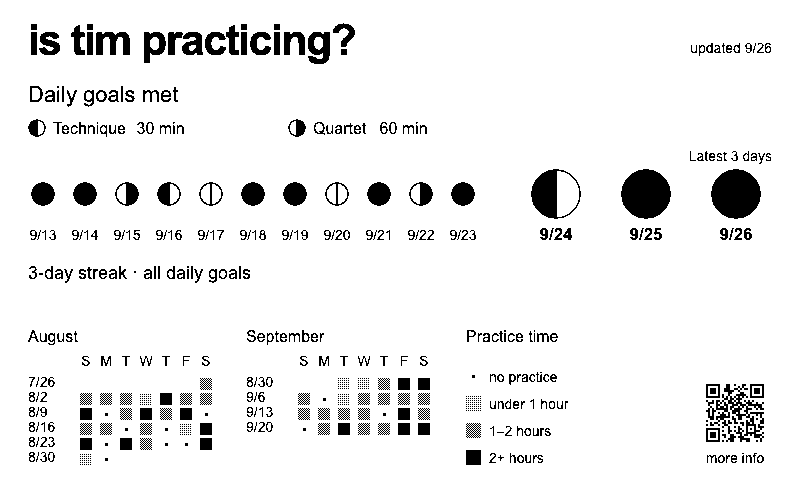
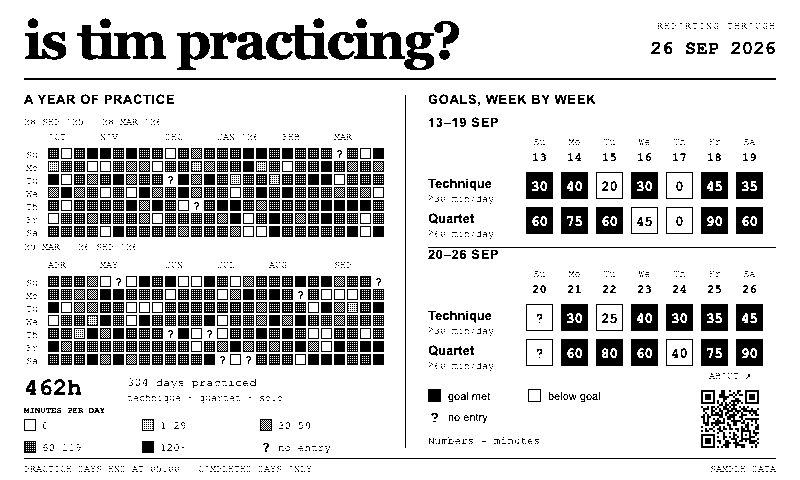
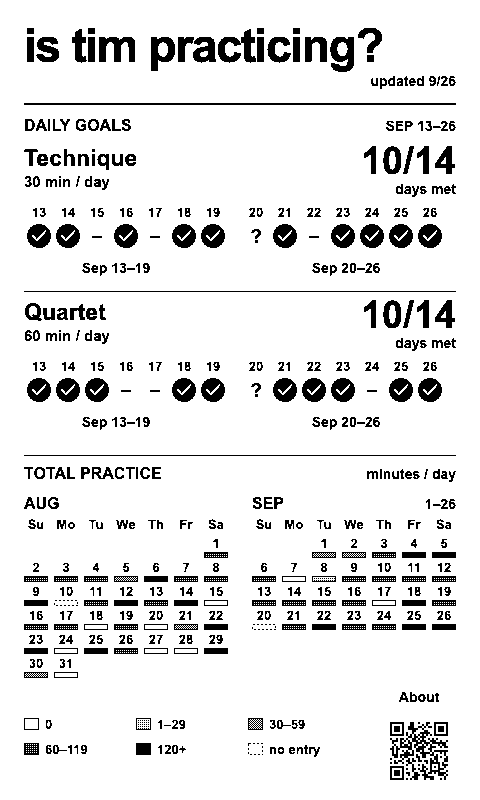
As this is designed to live in a shared studio space, I wanted to ensure the physical design stayed simple and respectful: as unobtrusive as a piece of paper, and functional even when I'm not around. This led to the following design:
- e-paper display: no backlight or flashy distractions. Super low energy requirements.
- battery powered: no hanging cords or need to be near an outlet.
- once-per-day updates: allows a full semester of use between battery charges. Live updates throughout the day would drain the battery in weeks instead of months.
- esp32 chip: small footprint, low power requirement, works over wifi, and can drive this e-paper display.